

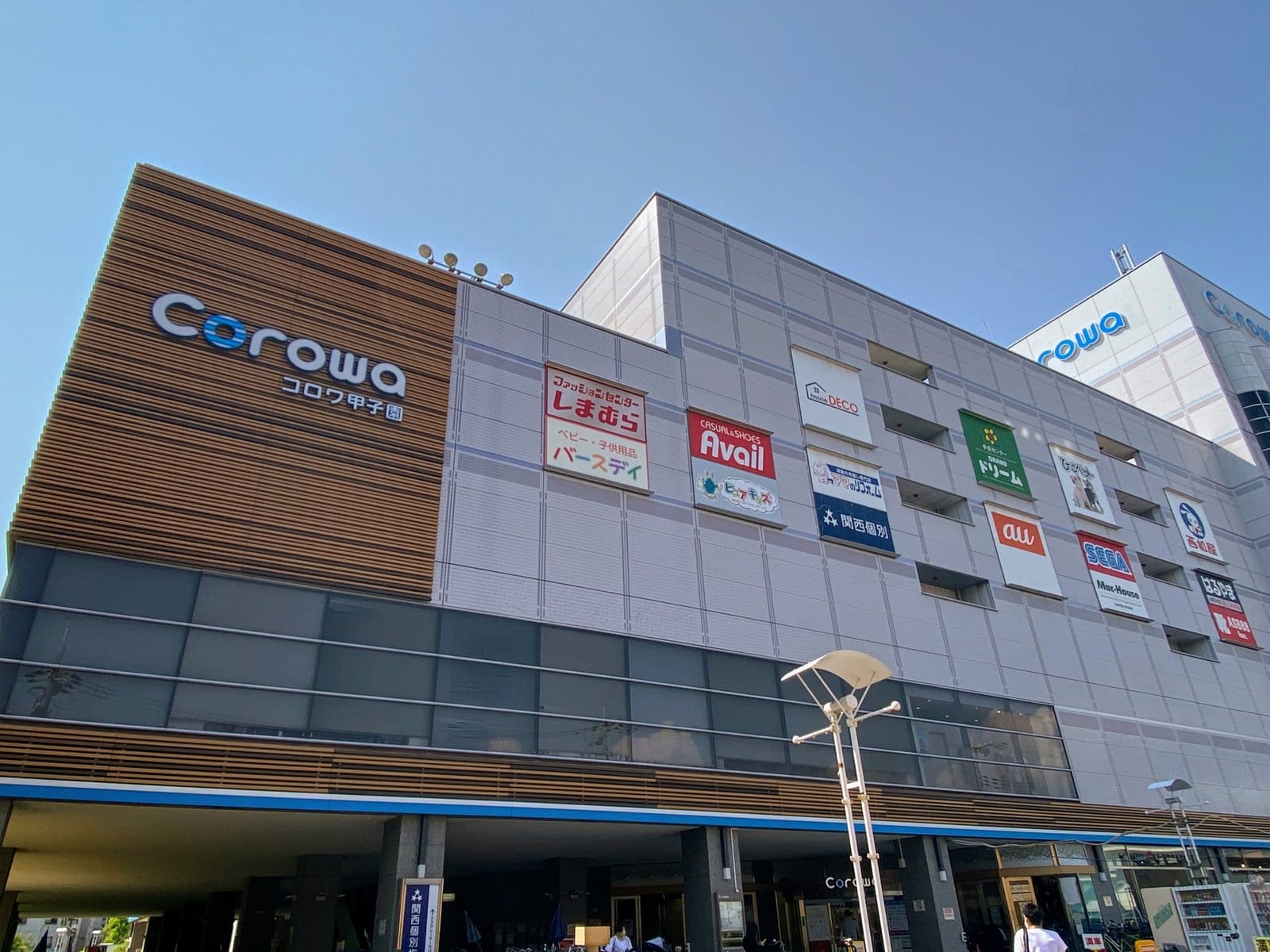

It looks like “Regigo” has started at AEON Style Koshien on the 2nd basement floor of Corowa Koshien.
(This information was provided by Taa-san.)
Here it is↓

Right after getting off the escalator, there was a stand that said Regigo on it😃
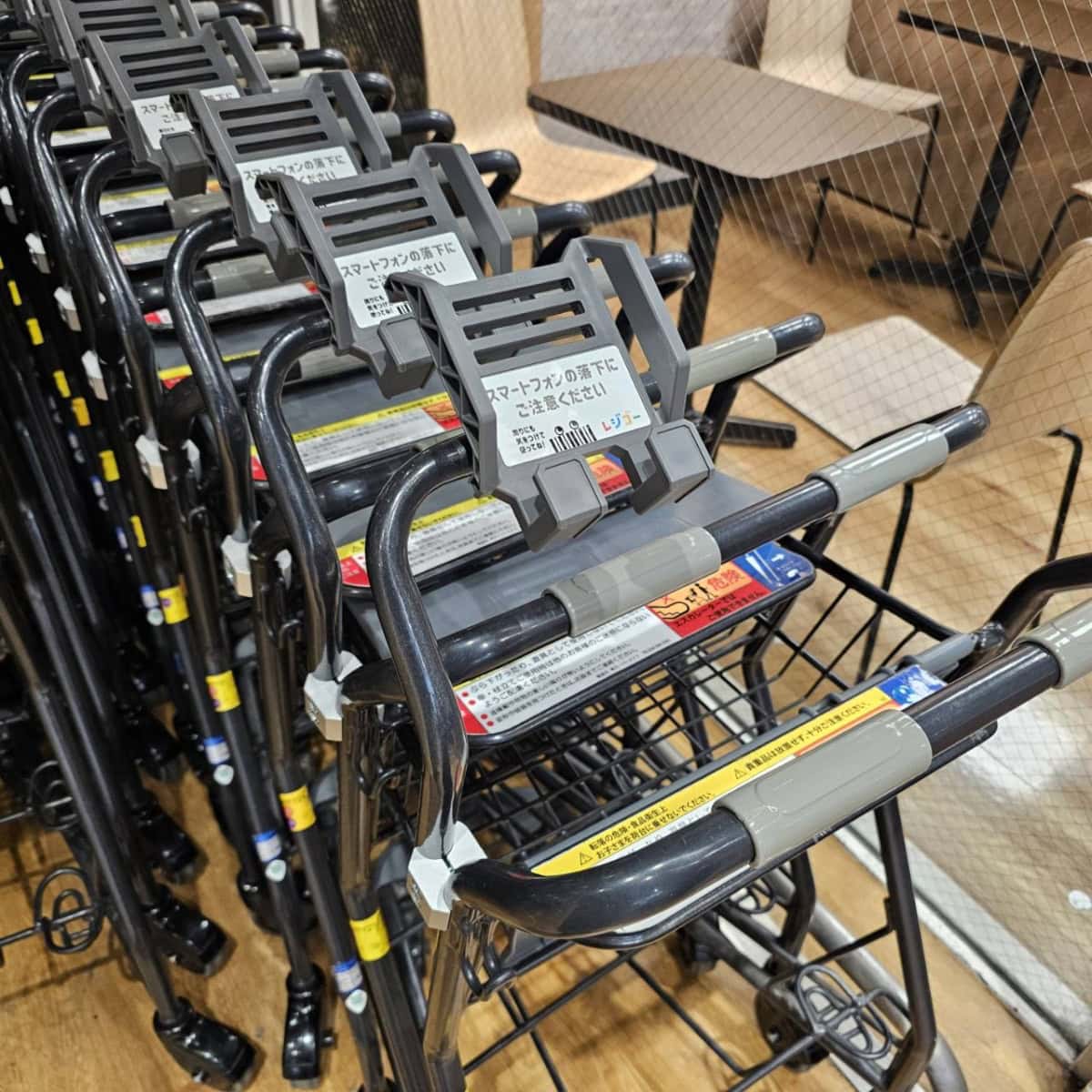
The shopping carts have also been set up for Regigo use. They’re designed so you can place a device on them〜
What is Regigo?
Regigo is a service that lets you handle everything yourself, from scanning items to paying, using a Regigo device or smartphone app. In Nishinomiya, it has already been introduced at “Daiei Nishinomiya” in Imazu, and last summer it was also introduced at “AEON Nishinomiya” in Hayashidacho😃
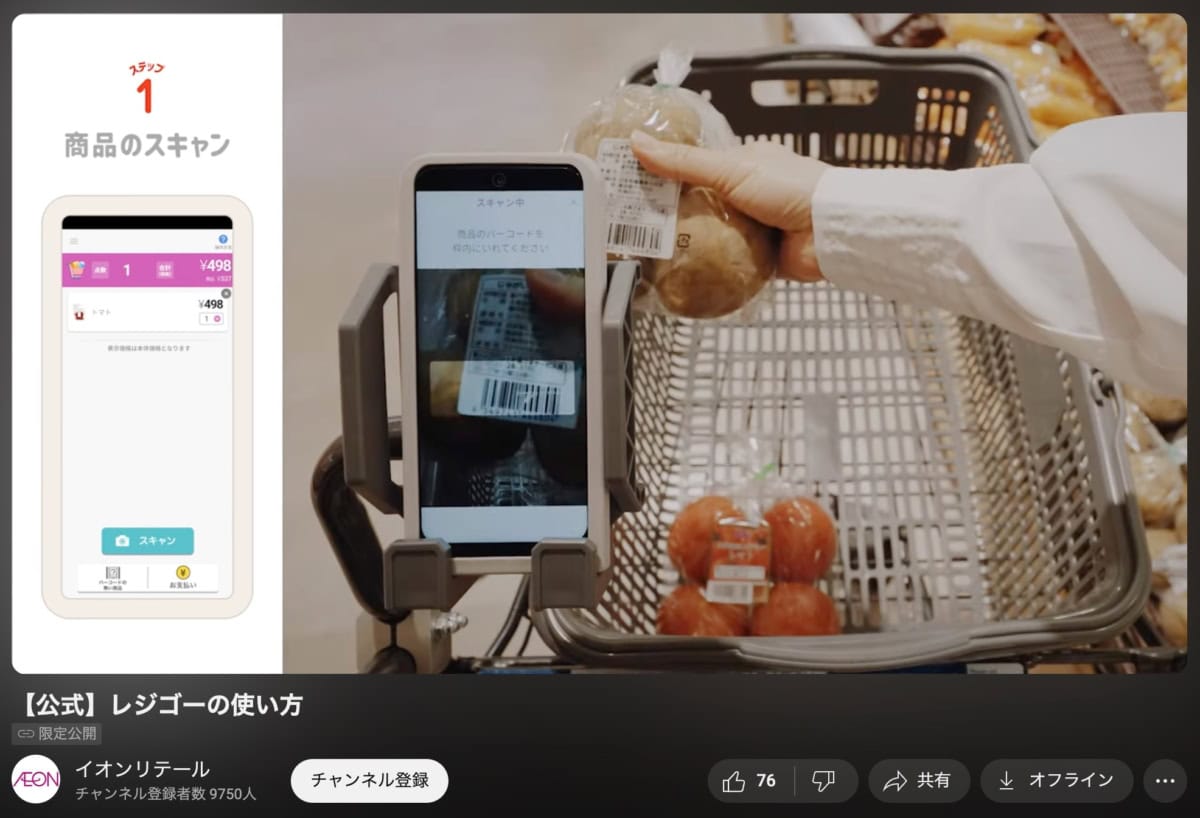
While shopping in the store, you scan each product’s barcode yourself on the device when you put it in your basket, and at the register, you simply scan the payment code to move straight to checkout. That means you can shop smoothly without lining up at the register.
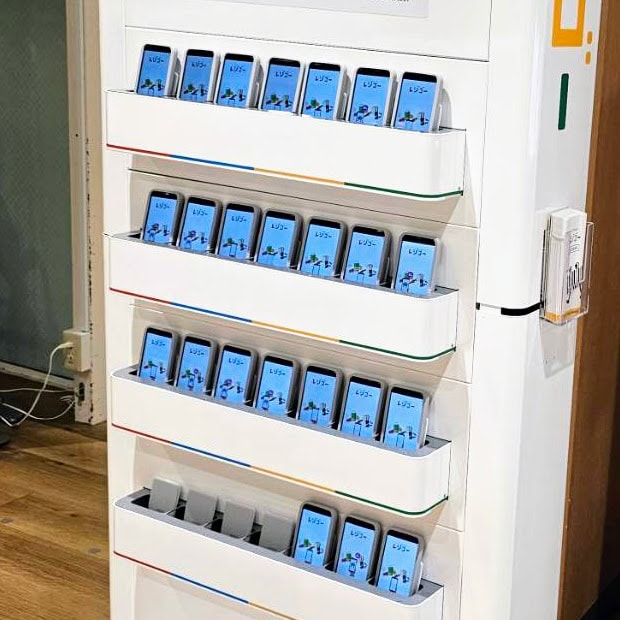
Apparently, you can use either a dedicated Regigo device placed inside the store, or your own smartphone. If you use your own phone, you’ll need to download either the dedicated “Regigo app” or the “i AEON app” in advance📱
Download the “Regigo app” here:
iPhone users → here
Android users → here
Download the “i AEON app” → here
How to Use Regigo
Here are the steps↓
- Set a Regigo device from the store, or your own smartphone with the dedicated app downloaded, on your shopping basket
- Scan products while you shop
- At the dedicated Regigo register, scan the payment code and proceed to payment
- Return the Regigo device
Nishitsu reader “Taa-san” tried Regigo for the first time this time😃
Taa-san’s thoughts↓
One thing to watch out for is pressing the “✕” mark if you want to cancel a purchase after scanning it. If you forget, you’ll end up paying extra, so be careful.
Also, since you can shop while checking how much money💰 you’re currently spending, it’s easy to manage your budget too.
Because you scan items as you move around shopping, all you have to do at the dedicated register is pay, so lining up has decreased dramatically!
I was also able to scan with my own smartphone and then pay on my smartphone as it was. With the iAEON app, you can go receiptless, and later check it again online. *It seems that using the Regigo app gives you a physical receipt.
The Regigo registers are still pretty empty, and once you get used to it, it’s really fast. It worked well for me!
By the way, at Corowa’s AEON, the dedicated Regigo registers are apparently installed on the far south side, toward the stadium.
AEON’s official YouTube “Regigo explanation video” is → here
Lastly
By the way, as part of this renewal of Corowa’s AEON, the checkout area has also changed. It seems the number of staffed registers has been reduced to four (depending on the situation, only one may be open). The self-checkout area is divided into “cashless-only booths” and “cash-accepted booths,” and when you include the dedicated Regigo registers, there appear to be three types in total. When paying, check the sign above and head to the right checkout〜🛒
*Taa-san, thank you for the information!!
■■■We’re looking for local tips!■■■