

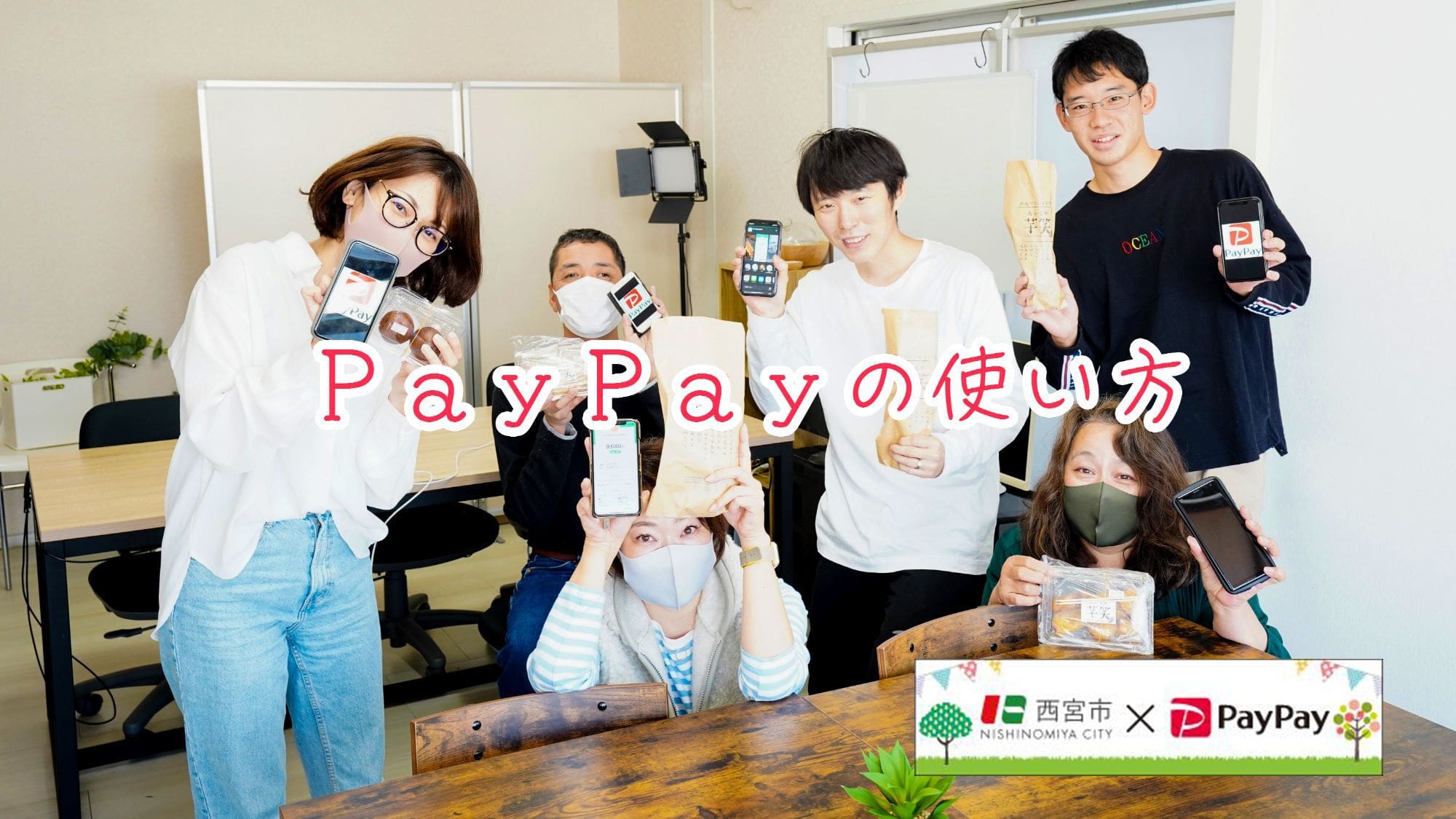

Right now, Nishinomiya City is running a pretty great PayPay campaign.
We wrote about it in “How to find stores eligible for Nishinomiya’s PayPay campaign. Starts today.”
“Paying with PayPay seems difficult.”
“I don’t know how to use it, so honestly, I’m scared.”
“I want someone to quickly show me with photos.”
This time, we’ll explain how to pay with PayPay using photos, so anyone can understand.
If you’re thinking, “How do I install the app?? I don’t even know how to add balance~,” check here.
→ iPhone app here
→Android app here
*PayPay has two payment methods.
But most stores use the method where you scan the QR code placed at the shop, so we’ll explain that method first.We’ll cover the other method another time
Check in advance whether you can pay with PayPay
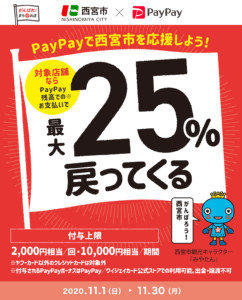
As of November 2020, Nishinomiya City is running a PayPay campaign where you get 25% back.
Places with this poster↓
Or near the store register↓
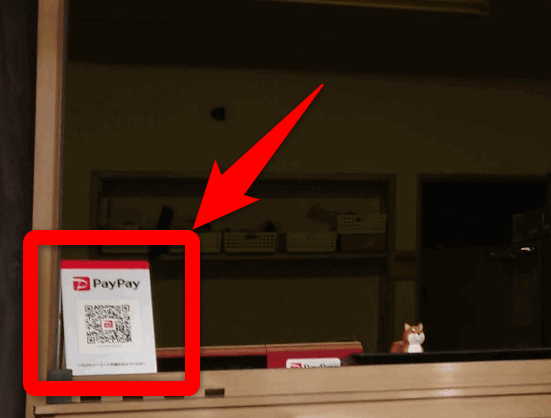
You’ll find something with a QR code like this.
“おいもや芋笑”, the shop that kindly helped us with this report, accepts PayPay and is also an eligible store for Nishinomiya City’s PayPay campaign!
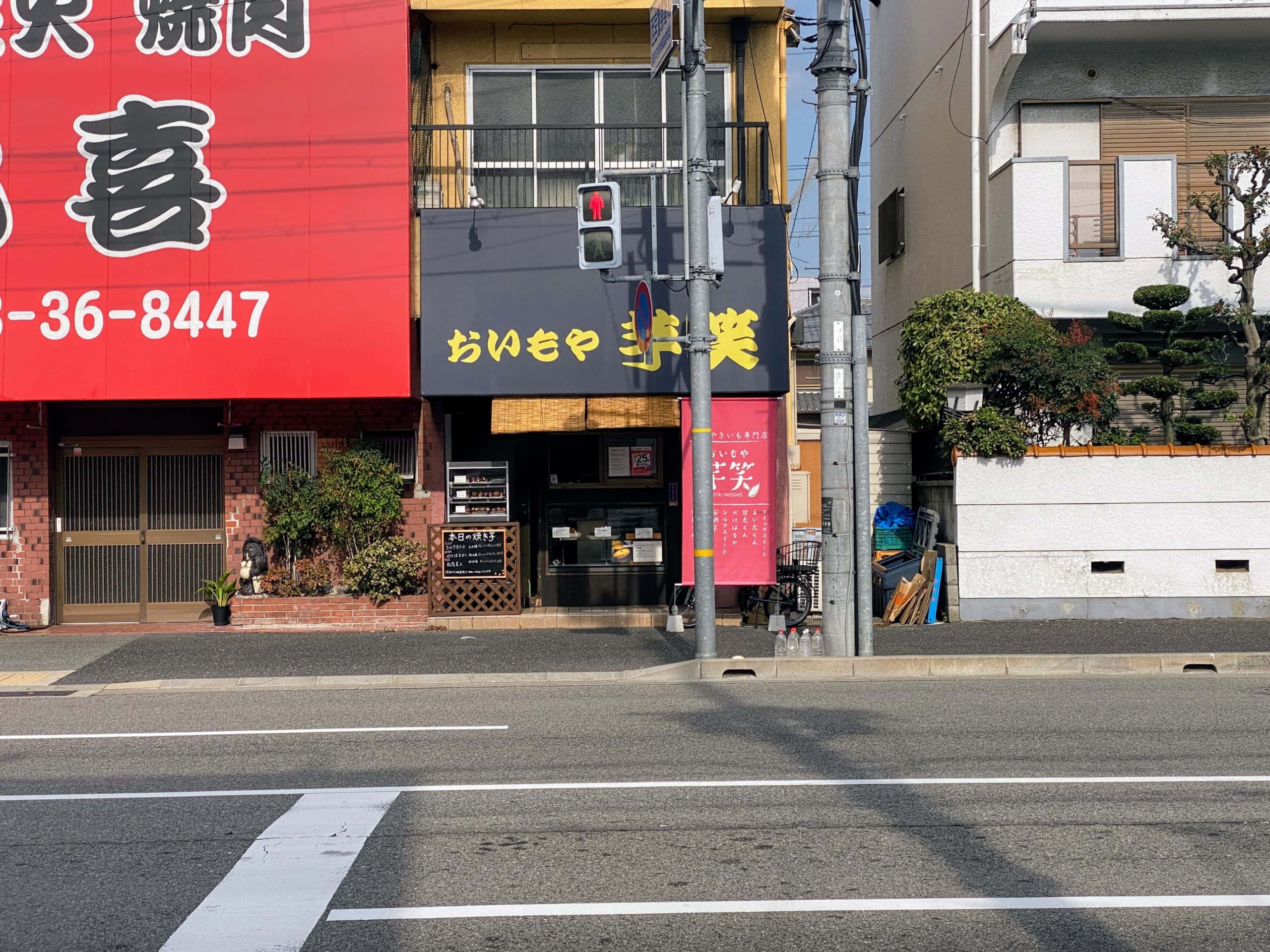
We’ve also featured them in an article before. Their roasted sweet potatoes are incredibly delicious. Please give them a try.
Other stores where you can use PayPay↓
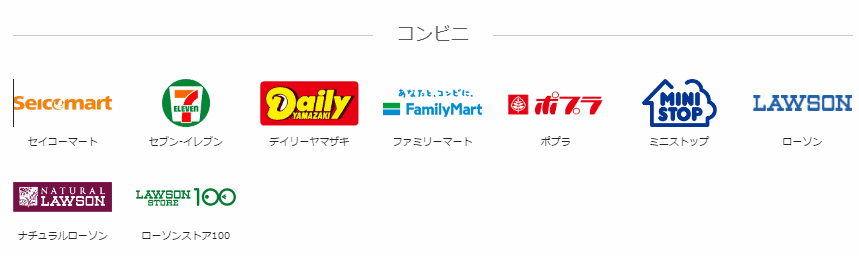
You can also use it at many other places, including supermarkets, drugstores, family restaurants, and electronics retailers.
On this page, you can see which well-known stores accept it.
When paying, say “PayPay de onegaishimasu”
When paying with cash, you don’t usually say, “I’ll pay with cash~,” right??
But when paying with PayPay, it’s different.
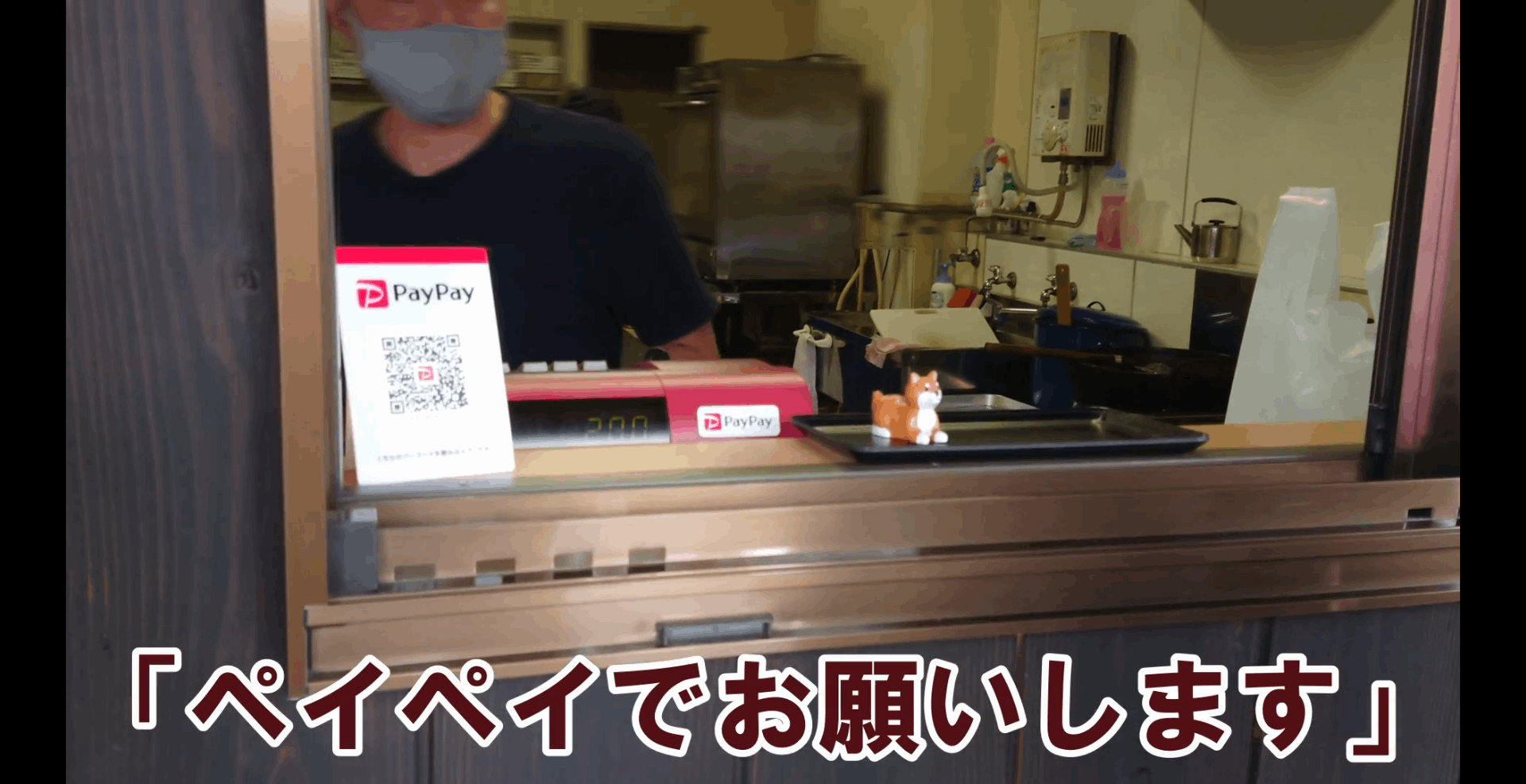
At checkout,
say something like “PayPay de onegaishimasu”, or
“I’ll pay with PayPay.”
Then the store staff will understand, like, “(Oh, this customer is paying with PayPay.) Sure, PayPay it is.”
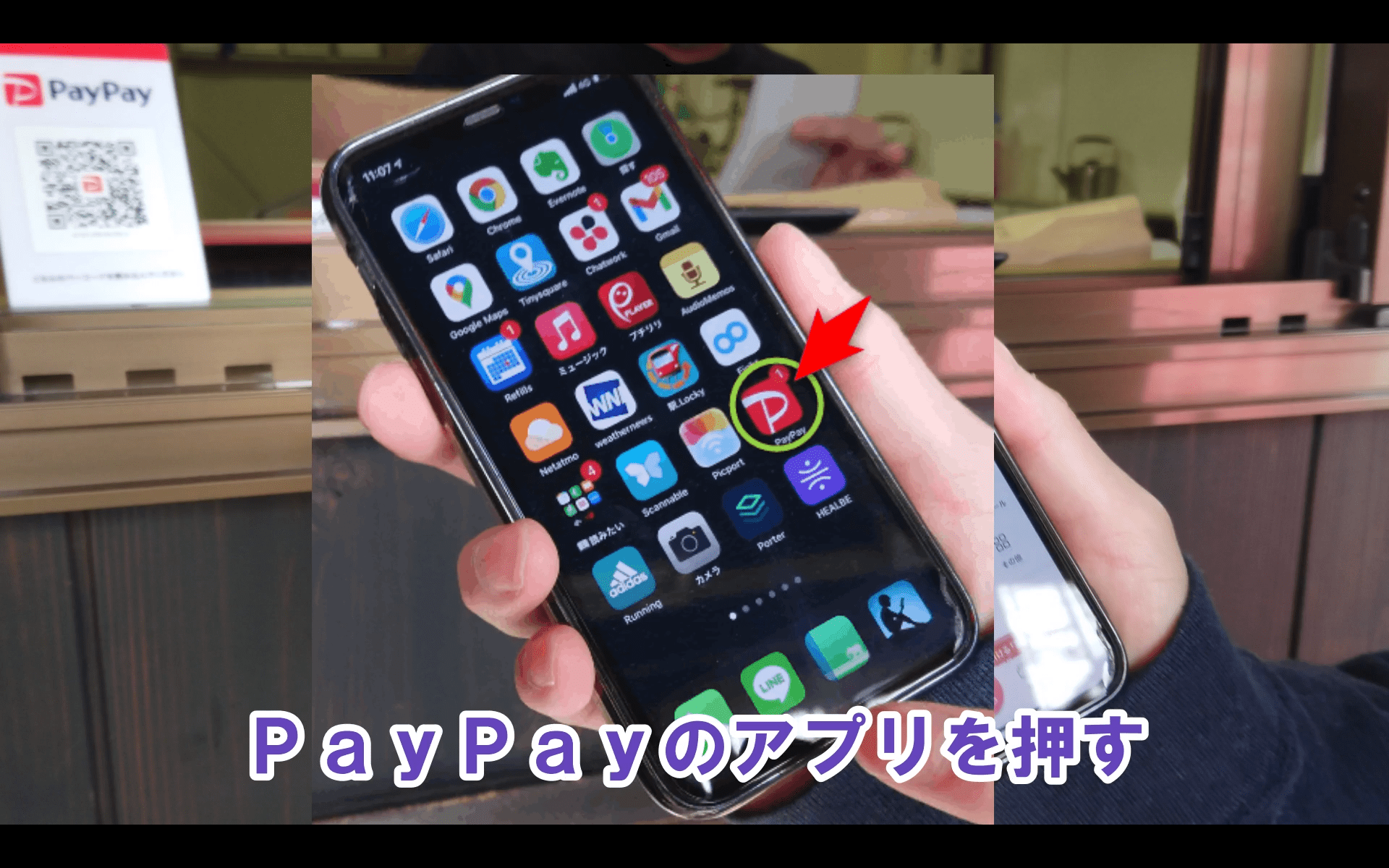
Open the PayPay app
Open the PayPay app on your smartphone.
Press Scan
Press “Scan” near the upper left of the screen.(By the way, pressing on a smartphone is called tapping.)
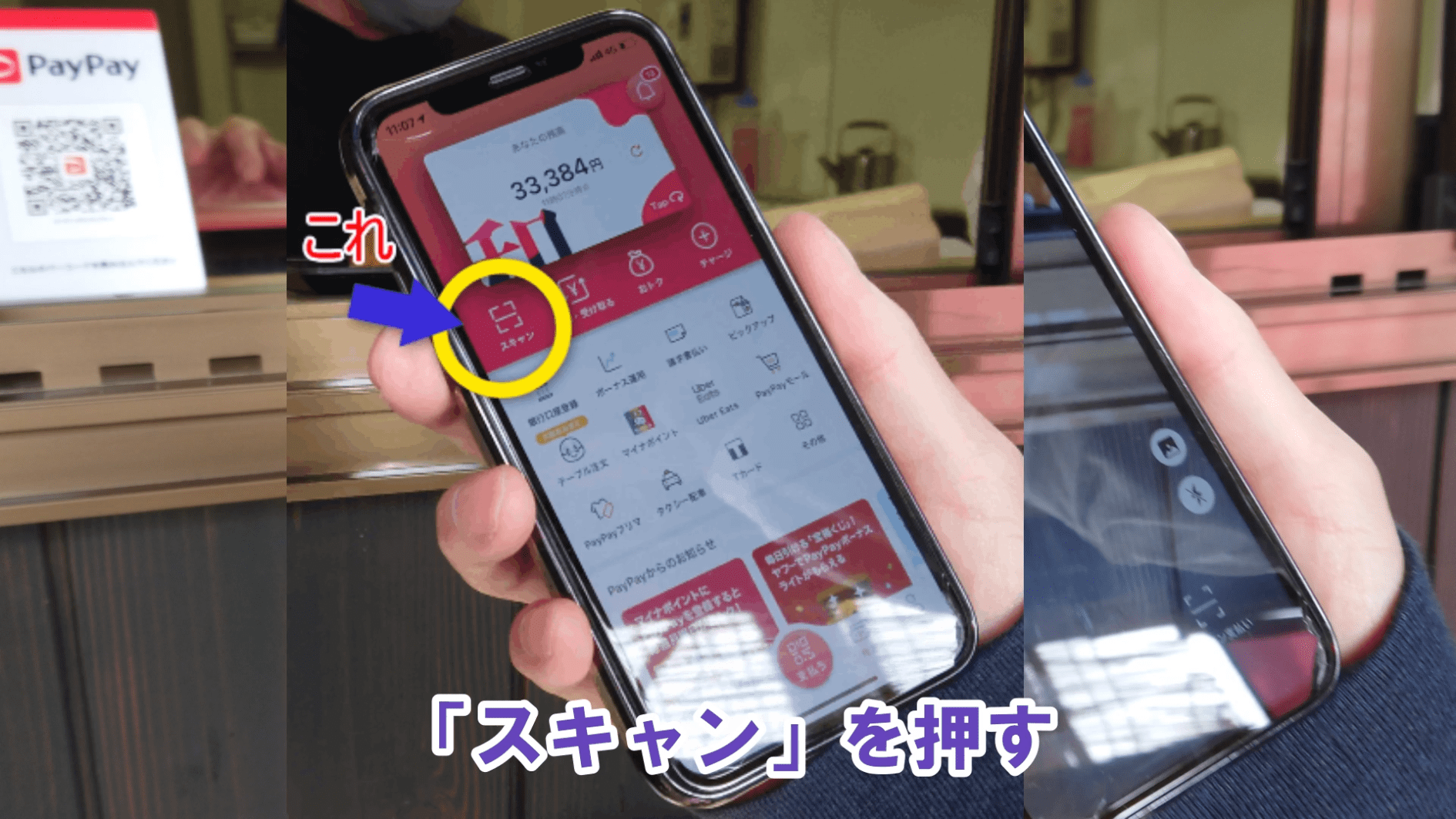
When you tap Scan, the screen switches to the camera.
Show the QR code(barcode)on the camera screen
Once the camera screen appears, point it at the QR code(barcode)placed in the shop.(This is what people usually call scanning it.)
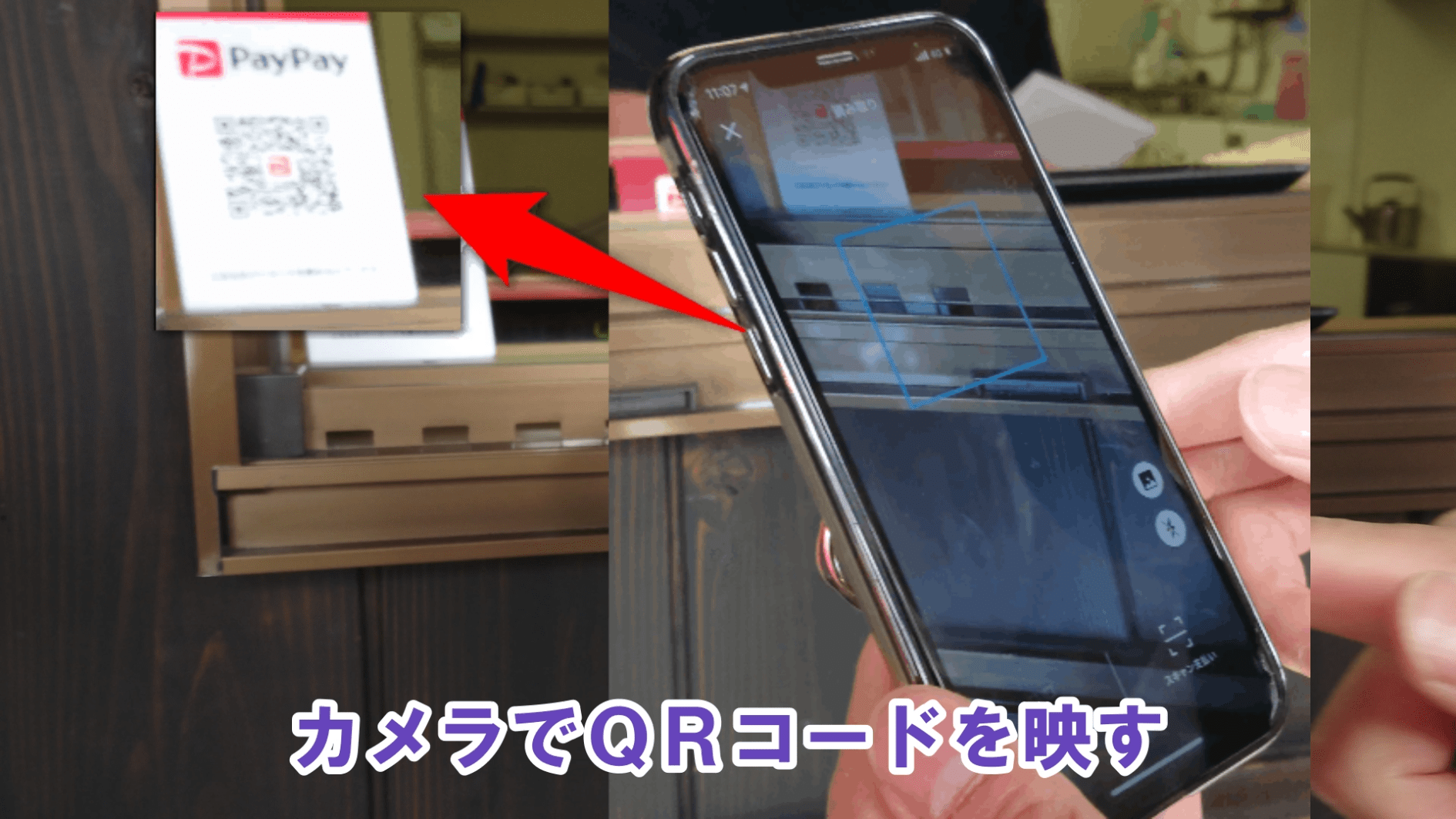
Once it scans, the screen will switch right away.
If the screen doesn’t change, it hasn’t scanned yet, so try moving your camera farther from or closer to the QR code.
Enter the payment amount
On the next screen, enter the payment amount.
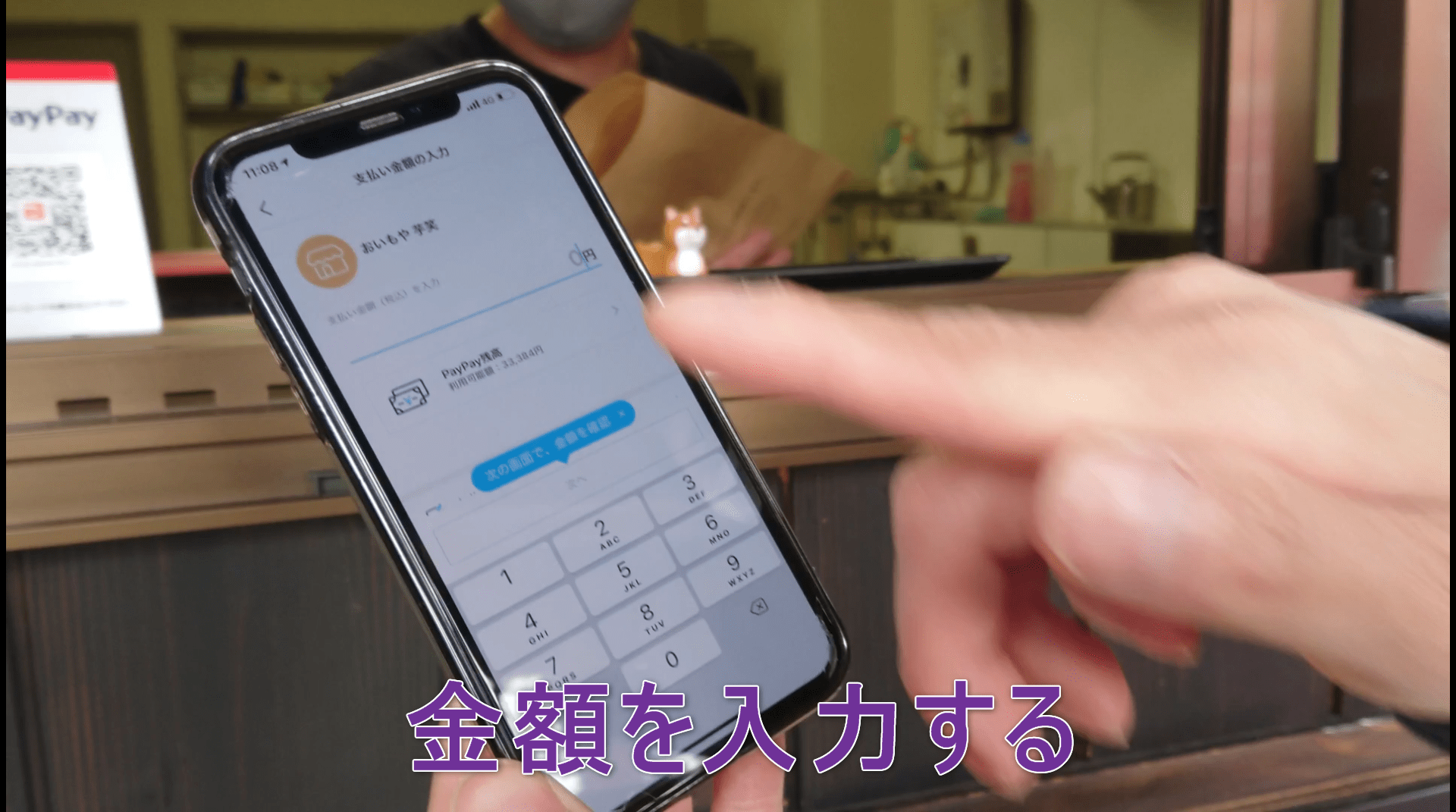
If you enter this amount incorrectly, both you and the shop staff will be in trouble.
Don’t rush. Stay calm and enter it slowly.
If you make a mistake with the amount, you can erase it with ×, so don’t worry.
Press the “Next” button and show it to the shop staff
After entering the payment amount, press the button that says “Next.”
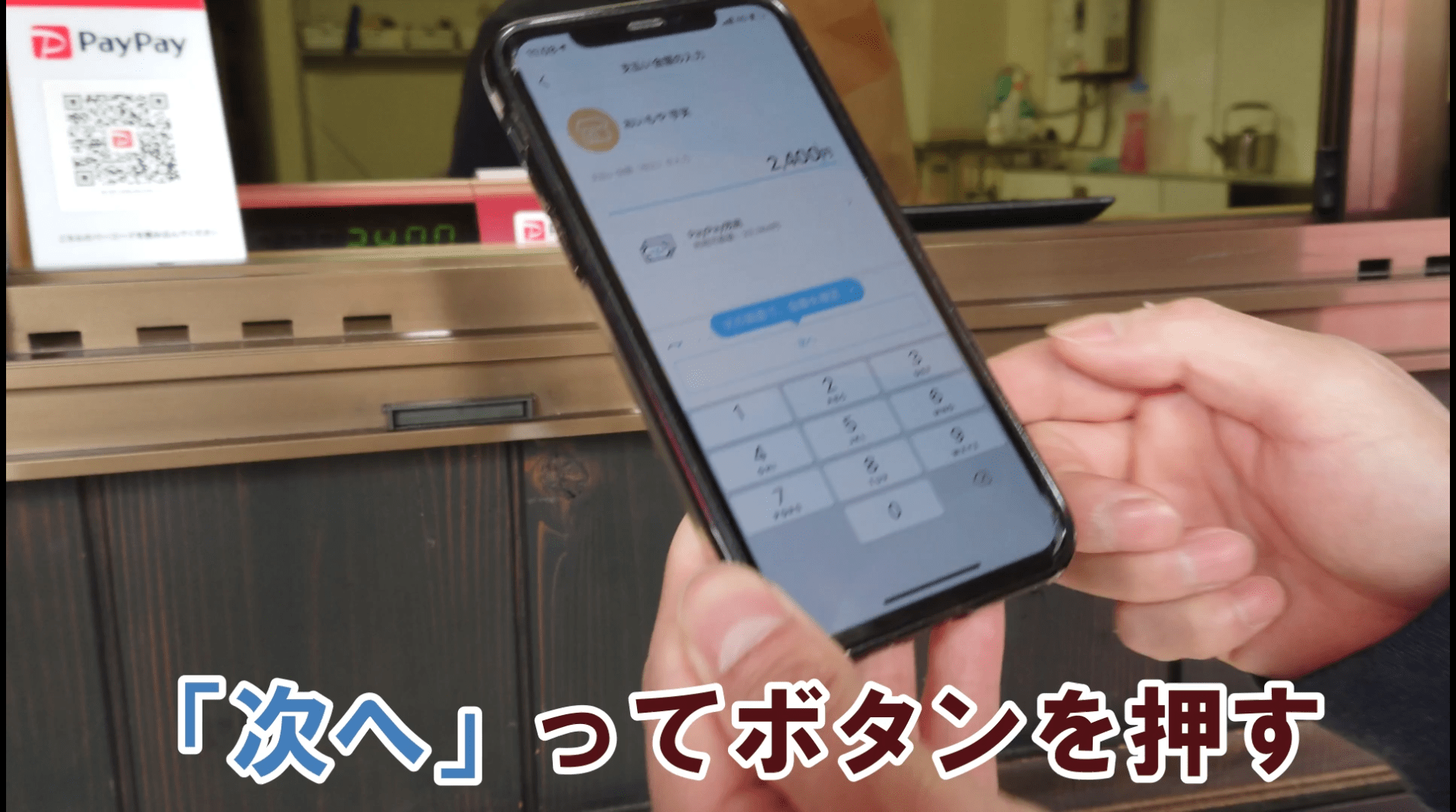
Then the amount will rotate to a direction that makes it easy for the shop staff to see.
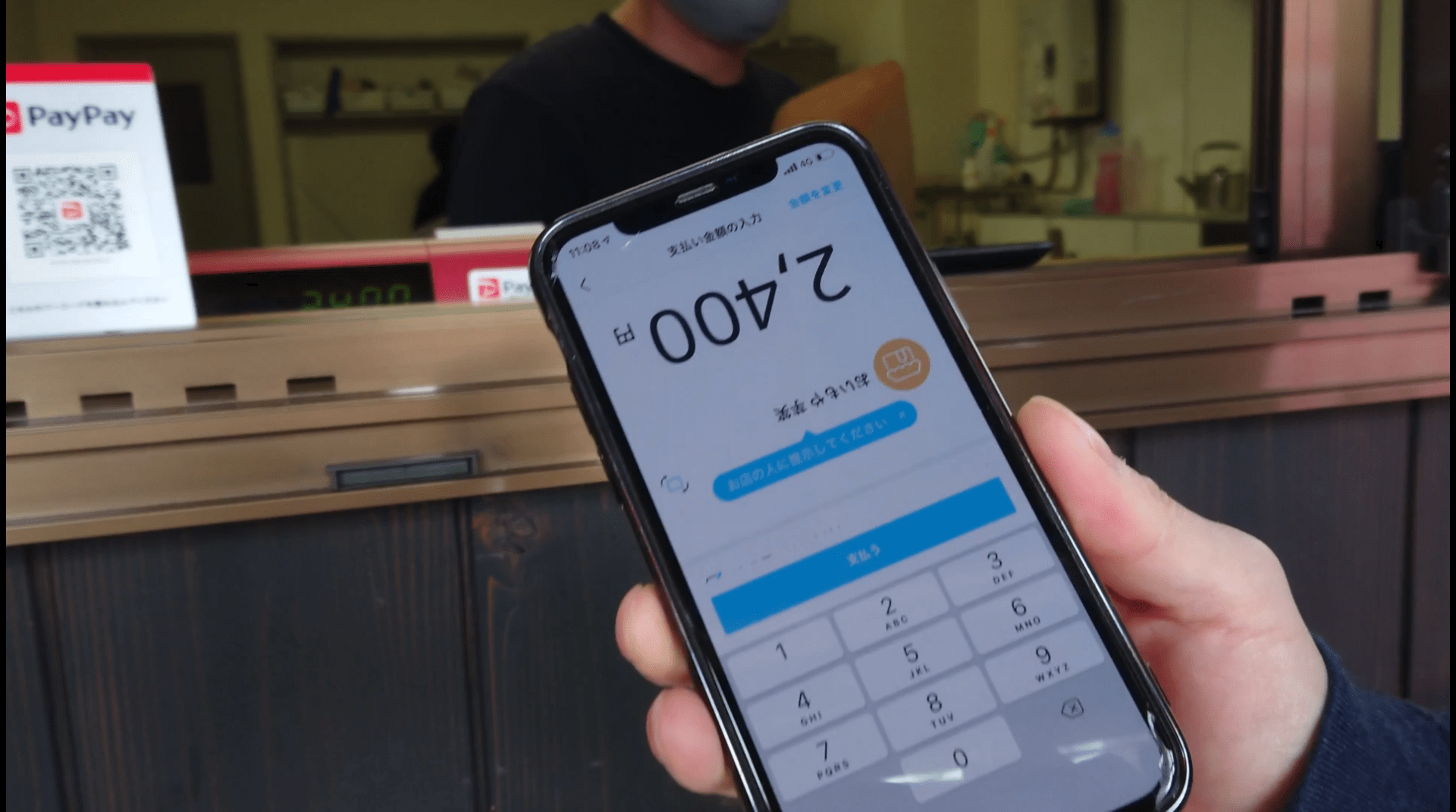
Show your smartphone screen to the shop staff.
If the shop staff checks it and responds like, “(Looks correct, so OK.) Sure,” then
Press the “Pay” button, and when you hear the PayPay sound, show it to the shop staff
Press the button that says “Pay.”
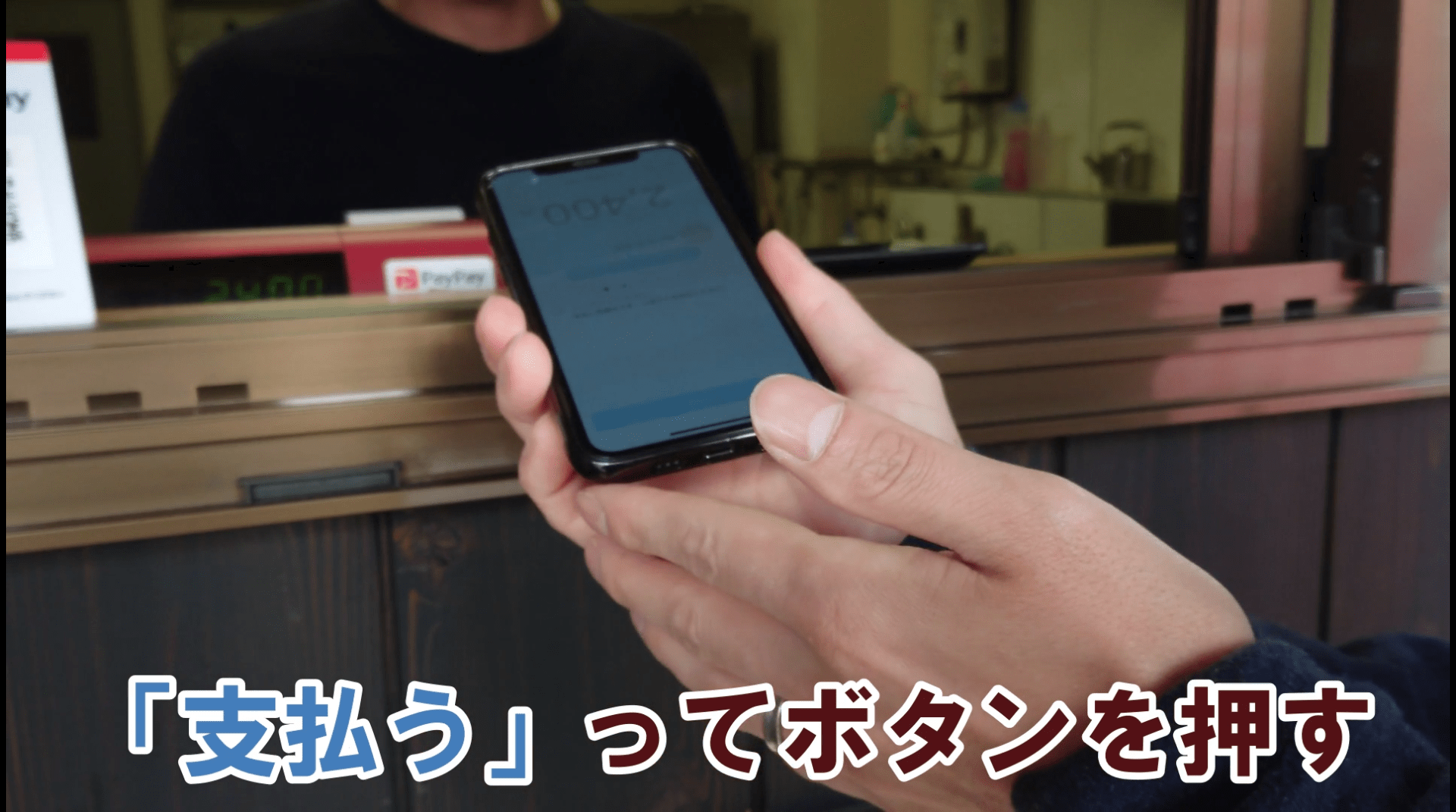
Then you’ll hear the “PayPay” sound.
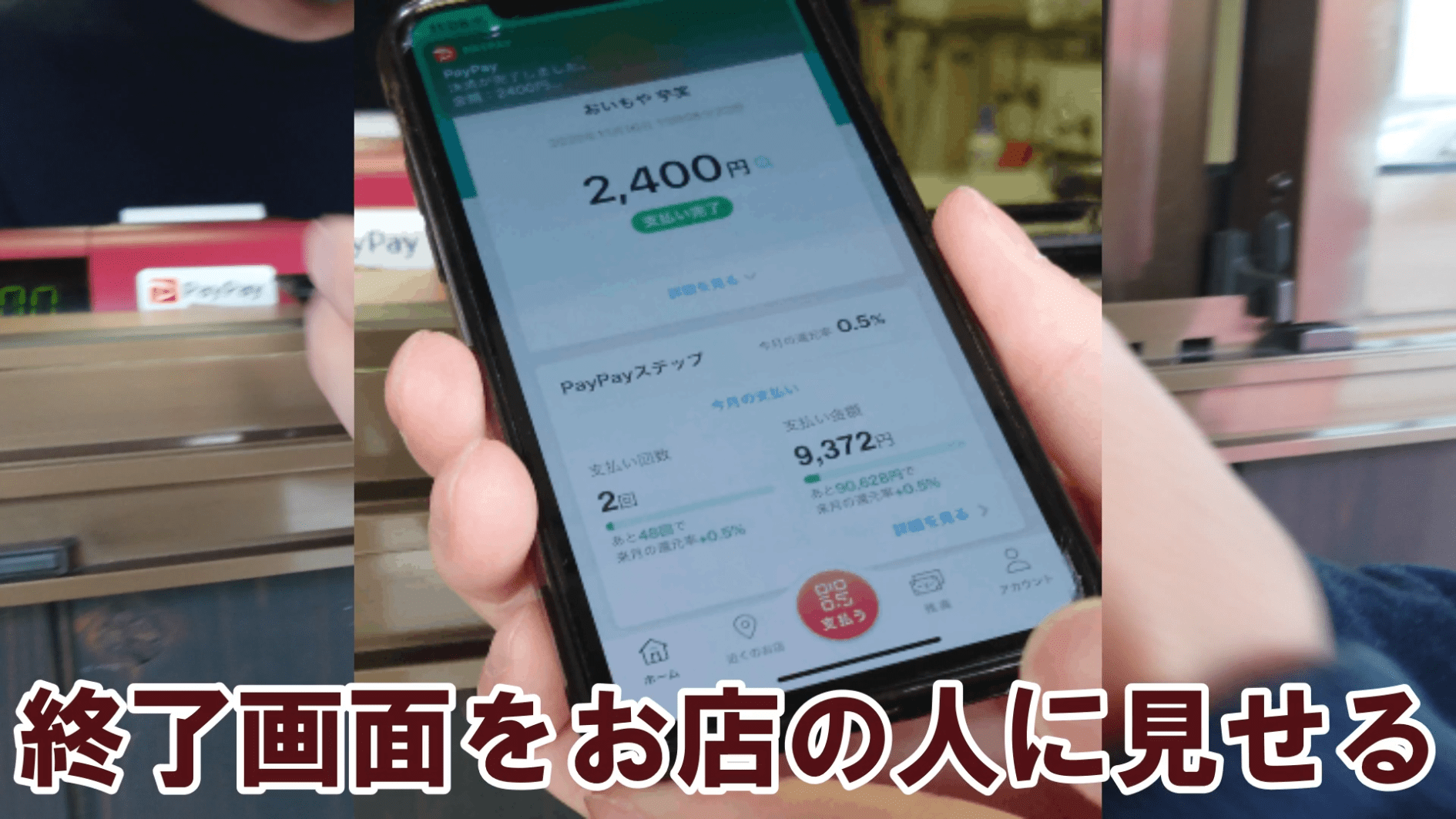
Show the final completion screen to the shop staff, and your payment is complete.
Good work~!
We also filmed a video of the whole process
We filmed how to pay with PayPay.
The narrator makes the unforgivable mistake of pronouncing PayPay wrong, so it turned into a painful video, but we hope it helps.
Even “this embarrassing person who gets the pronunciation wrong” can use PayPay, so you can definitely do it. Easy~
Details for “おいもや芋笑”
10:00~19:00
Closed
Wednesdays(open as usual if Wednesday is a public holiday)
Address
兵庫県西宮市中須佐町1-7
Phone number
070-5503-3255
Links
Facebook/Tabelog
Items we bought this time↓
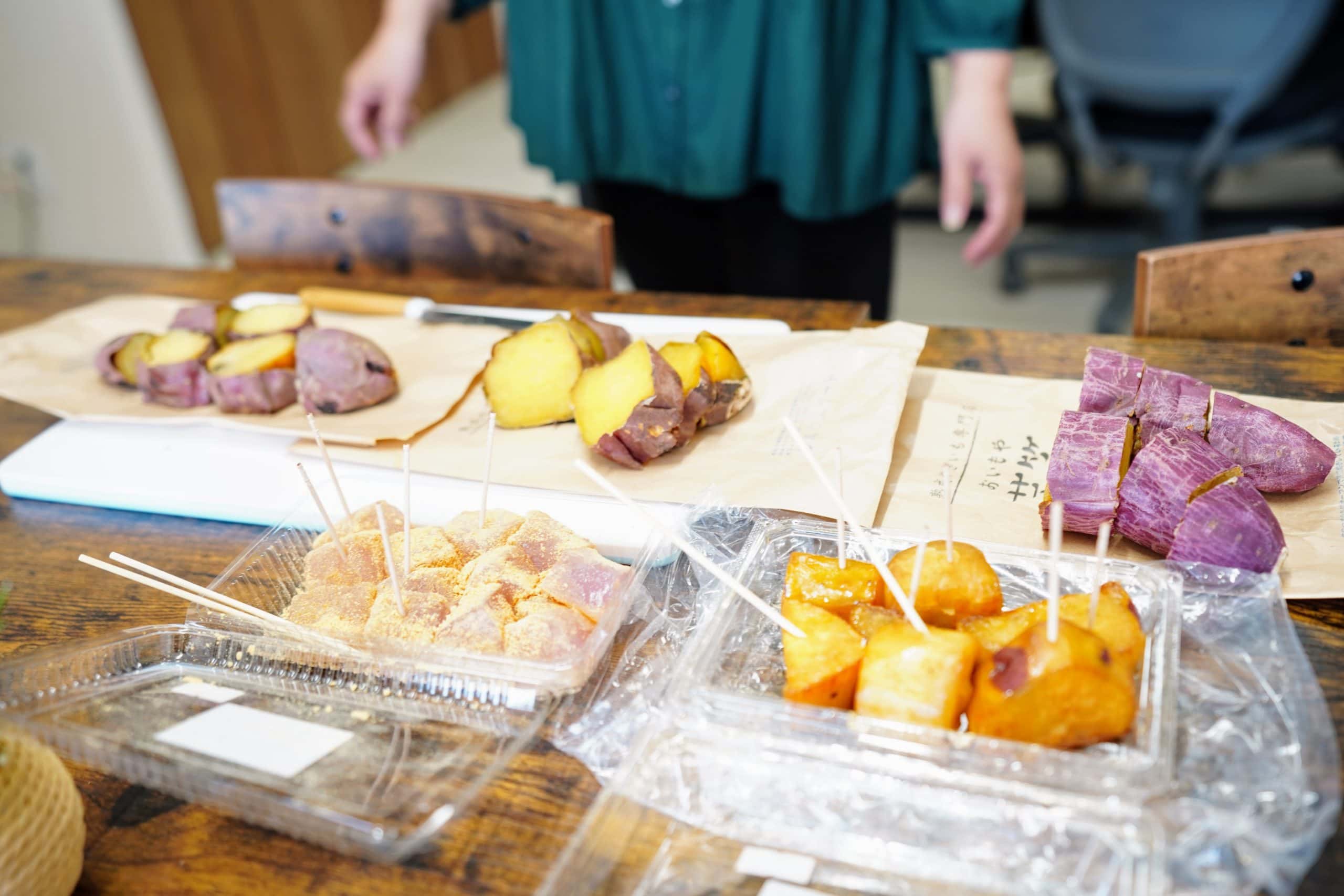
- Matsushige Bijin(Kintoki) roasted sweet potato, 1 piece
- Silk Sweet roasted sweet potato, 1 piece
- Beni Haruka roasted sweet potato, 1 piece
- Honey daigaku-imo, small
- Imokari manju, 2 pieces
- Purple sweet potato warabimochi, 1 piece
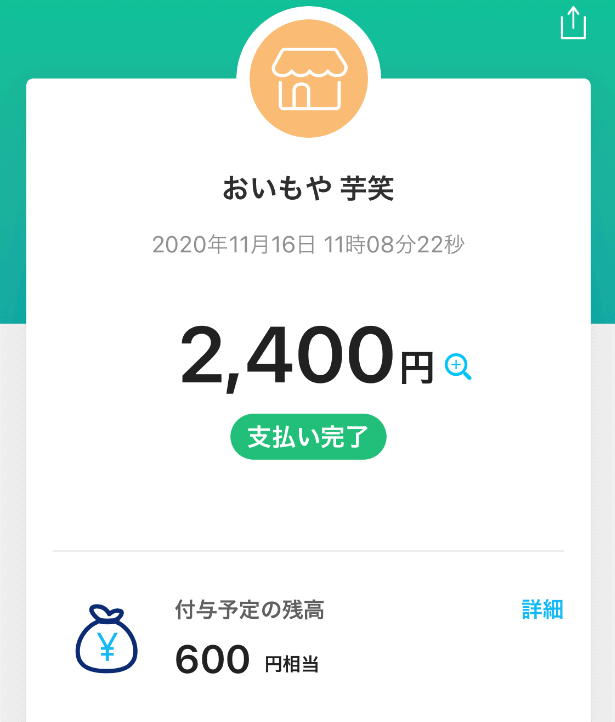
Since we got 600 yen back on 2400 yen, it effectively came to 1,800 yen!!
Finally
You might think, “There are surprisingly many steps” or “What a hassle,” but once you get used to it, it’s super easy.
Learning something new takes energy, but not needing a wallet when shopping is incredibly convenient. Also, since we’re in the COVID era, reducing cash exchanges may help prevent infection to some extent.
We’d be extremely happy if, after reading this, we could hear people say, “I can use PayPay now~”